How to Invoice a Client for the First Time
Learning how to invoice a client for the first time is mostly about removing doubt: the client should open your invoice and immediately see who it is from, what it is for, how much is due, and how to pay. If any of those four things is unclear, payment slows down — not because the client is avoiding you, but because they have to ask a question first. A clean first invoice prevents that delay, and it sets the tone for every invoice that follows.
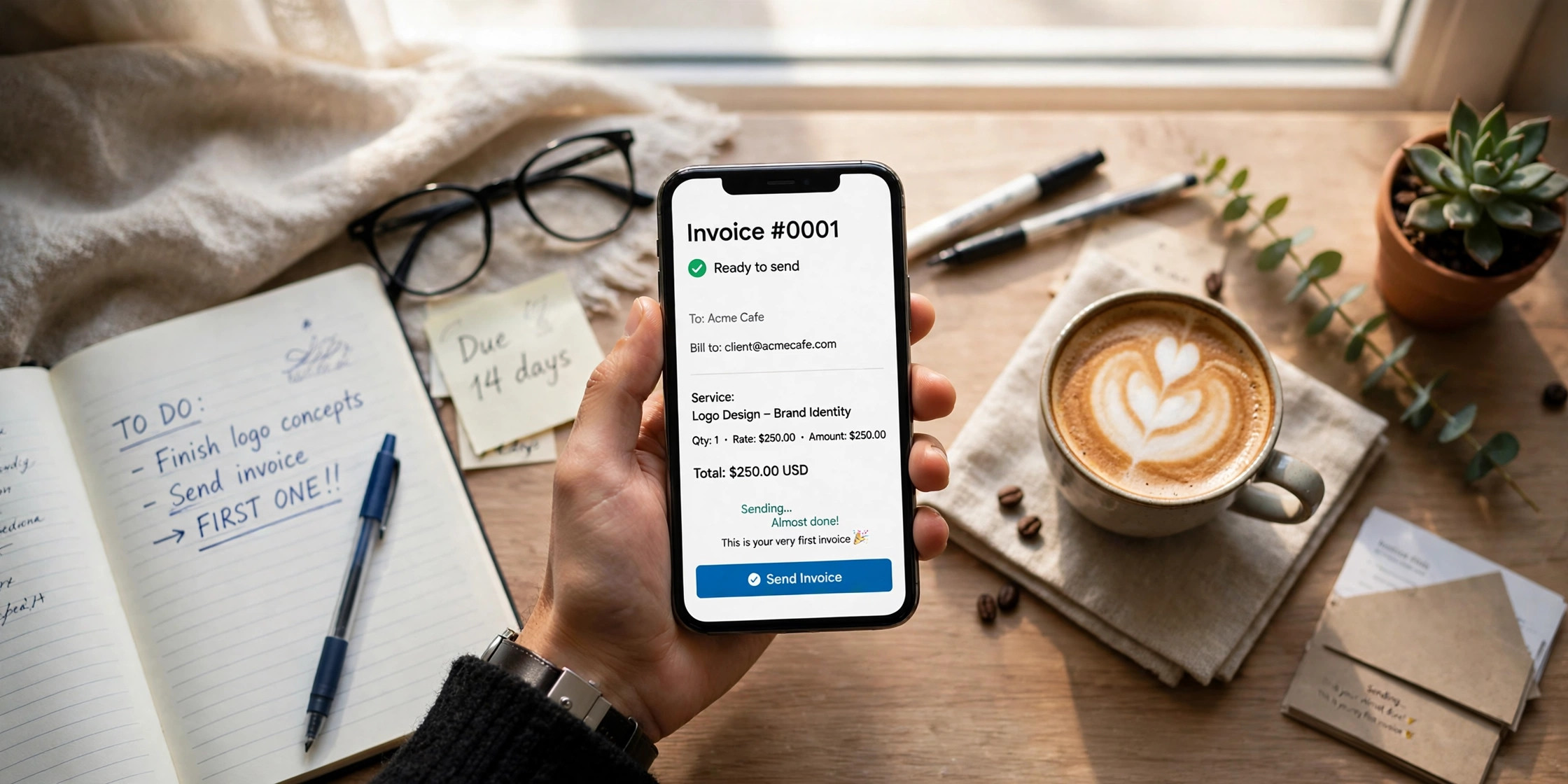
What goes on your first invoice
Start with the basics, and do not skip any of them. Your business name and contact details go at the top, followed by the client's name and address. Add a unique invoice number — even your first one should be numbered, so start at 001 or 1001 and keep the sequence going — plus the invoice date and the due date. Then list the work: one line per item, each with a short description, the quantity or hours, the rate, and the line total. Finish with the total amount due and your payment instructions.
The descriptions matter more than most first-timers expect. "Consulting" tells the client nothing. "Website homepage copy, 3 pages, delivered November 20" tells them exactly what they are paying for. Write descriptions the way you described the work when you agreed to it, and the client will recognize the charge without having to check their messages. If you charged a deposit or the client already paid part of the amount, show it as a separate line so the balance due is unmistakable.
Set payment terms before you send it
Decide your terms before the invoice goes out, not after the client asks. The most common choice for a first invoice is payment due within 14 or 30 days, written on the invoice as "Due within 14 days" or "Net 30" with the actual calendar date. A specific date beats a vague term every time — "Due December 7, 2026" leaves no room for interpretation. Also state how the client can pay: bank transfer, card, or whatever method you accept. If you only take one method, say so plainly rather than leaving the client to guess.
How to invoice a client for the first time without awkwardness
Many first invoices feel awkward to send because the work felt informal and the invoice suddenly makes it official. That is normal, and the fix is a short, friendly message with the invoice attached — not an apology. Something like "Here is the invoice for the work we completed this week. Payment is due by December 7, and you can pay by bank transfer using the details on the invoice. Let me know if anything looks off." That is all it takes. You are not demanding payment; you are completing the job the way professionals do.
Send the invoice as a PDF, not as a photo of a handwritten note or a screenshot. A PDF looks professional, prints cleanly, and cannot be accidentally edited by the client. Most invoicing apps, including Simple Invoice Maker, generate the PDF for you — you fill in the details once and the layout, math, and formatting are handled. Check the PDF on your own phone before you send it, the way the client will see it, and confirm the name, the amounts, and the payment details are all correct.
Common first-invoice mistakes to avoid
The most common mistake is sending the invoice late. The longer you wait after finishing the work, the colder the invoice feels to the client and the slower it gets paid. Send it the same day the work is done, or within a day or two at most. The second mistake is forgetting the due date entirely — an invoice with no due date reads as "whenever," and clients will take you at your word. The third is burying the total: the amount due should be the easiest number on the page to find, not something the client has to add up from the line items.
Another easy mistake is mixing an estimate and an invoice. If you sent a quote before the work started, the invoice is not the place to re-negotiate the price — it should match what was agreed, and any change should be explained in its own line with a reason the client already knows about. If you are also billing for a service visit, the same rule applies: show the visit charge and the repair separately, as our guide on invoicing a service call with a diagnostic fee explains, so the client can follow each charge.
What to do after you send it
After sending, keep a simple record: invoice number, client, date sent, amount, and due date. That list is your accounts receivable, and even a one-page version of it will save you from wondering which invoices are still open. If the due date passes without payment, send one polite reminder referencing the invoice number and the original due date. Most late first invoices are not disputes — they are forgotten emails — and a single reminder collects the majority of them.
If the client questions a charge, answer from the invoice itself. Point to the line, the description, and the agreed price. If you made an error, correct it quickly, label the revised invoice clearly, and tell the client which version to use. How you handle the first correction matters: clients remember a fast, honest fix far longer than they remember the mistake.
Make your first invoice in minutes
You do not need accounting software to send a first invoice — you need a clean layout, correct math, and a PDF. Open the Simple Invoice Maker interactive demo to see the invoice layout and build your first one with your own client and line items. Review the site's payment options if you want the client to pay from their phone, and read our guide on how to send an invoice as a freelancer for the follow-up steps once the invoice is out the door. Simple Invoice Maker is $19.99 a month for unlimited invoices, and your first invoice is free — so the one you send today costs you nothing to get right.